
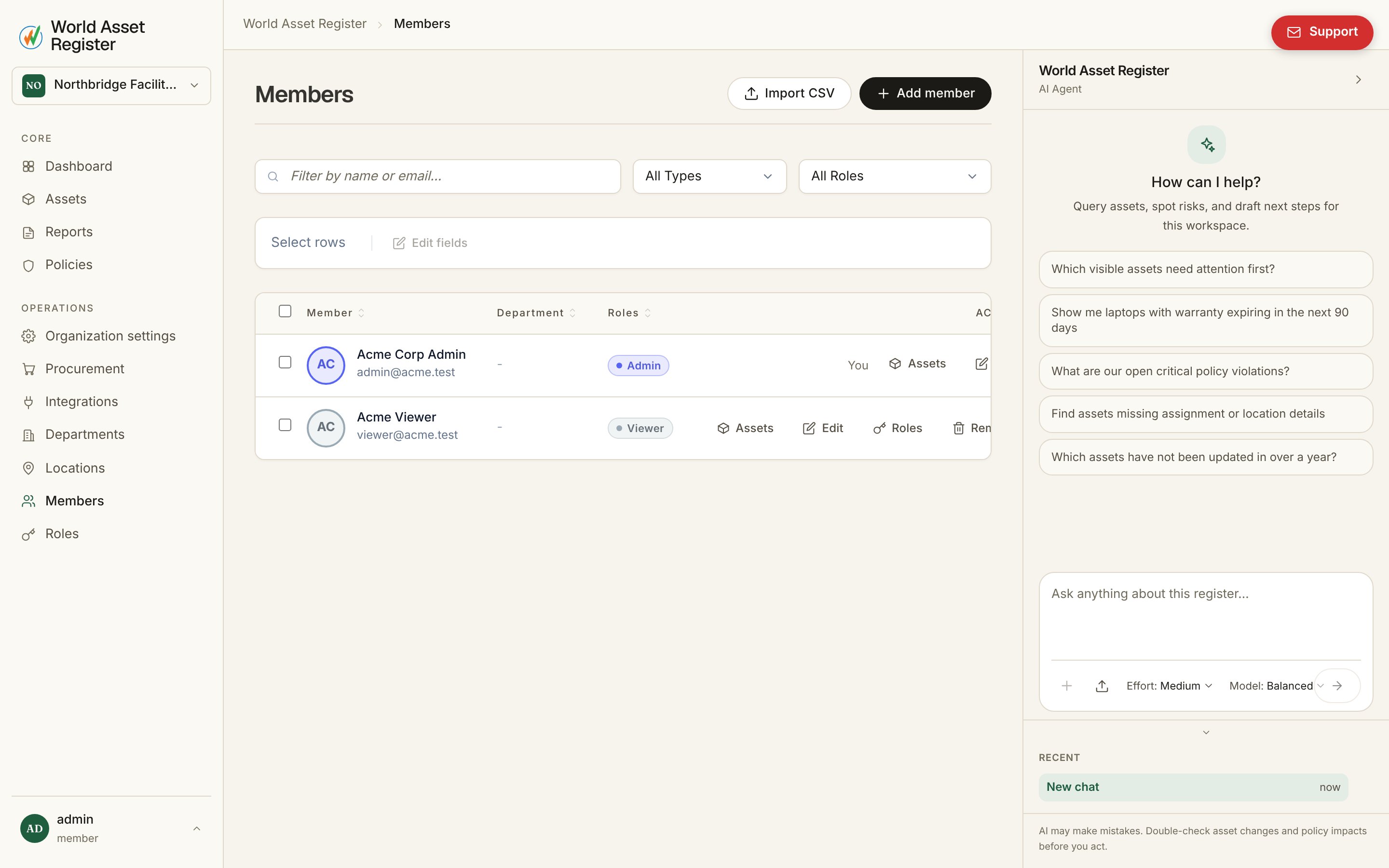
Two kinds of member
Invite user sends a real invitation: an email, a role, and once accepted, a login. Add non-user member creates a directory-only person (name, email, employee ID) who can be an asset’s owner or custodian without ever holding an account. Both are visible right on the list. Members without a login show a No login badge instead of a role. A non-user member isn’t locked into that state: editing them offers Invite to create an account, which sends a real email invite so they can log in while keeping every existing asset assignment, role and department they already had.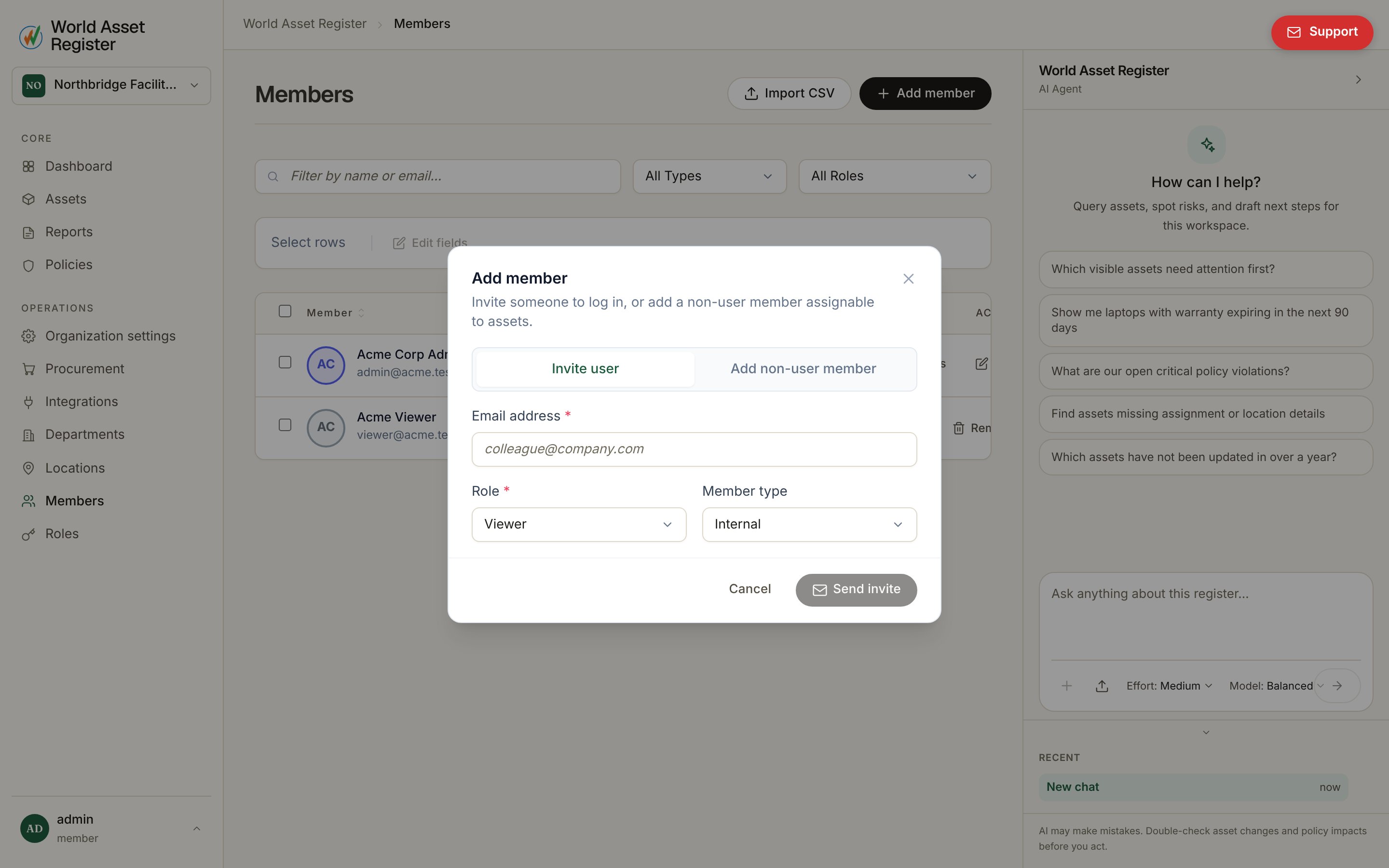
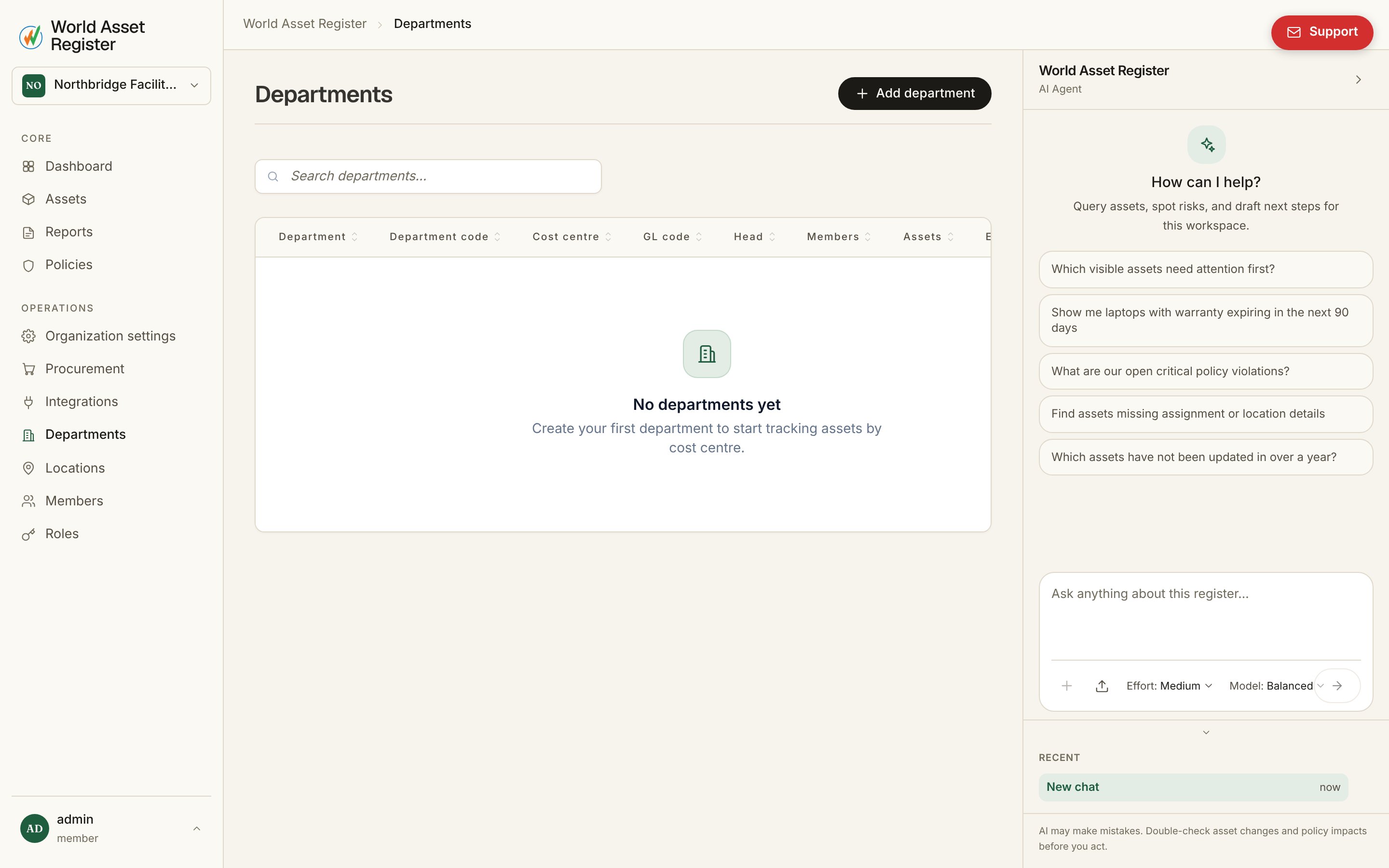
Departments
Importing your directory
For a large team, Members → Import runs the same kind of wizard as asset import. Upload a CSV or Excel (.xlsx) export, map its columns to member fields, review a dry run, then commit. This builds your whole directory in one pass instead of one invite at a time. If a spreadsheet’s extension doesn’t match what’s actually inside it, for example an Excel workbook accidentally saved asmembers.csv, the
importer still recognises it as Excel from the file’s own content rather
than trusting the extension. The same upload accepts files up to 50MB,
matching the asset and location importers’ ceiling.
If an uploaded Excel file has two columns with the same header (two
“Name” columns, say), both are kept rather than the second silently
overwriting the first. Look for them in the field-mapping dropdown as
Name and Name_2.