
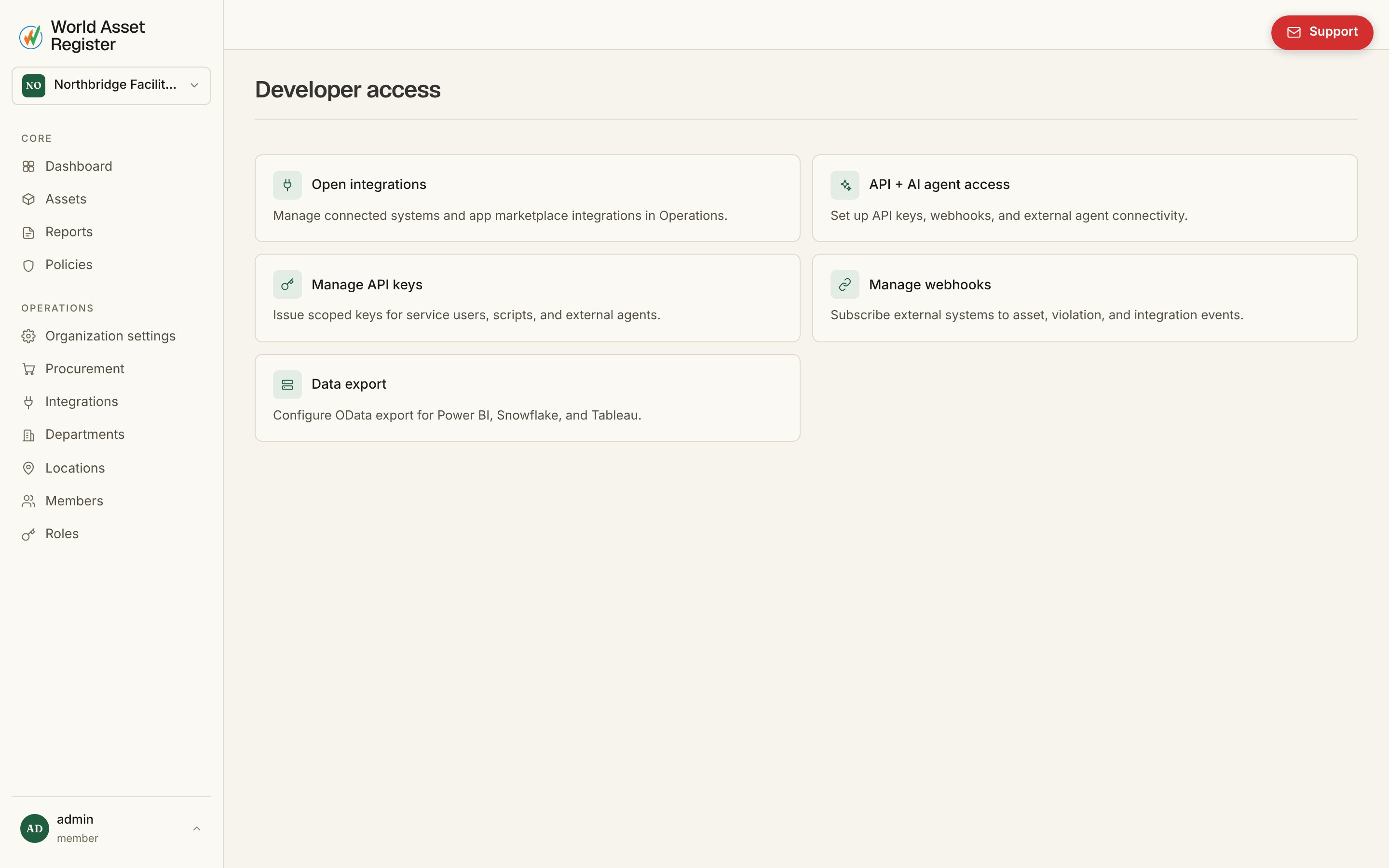
API keys
External tools and AI agents connect through the same permissions model as your users. The recommended pattern:- Create or pick a service identity in the workspace.
- Assign the minimum role and permissions needed, read-only where possible.
- Create an API key with matching scopes and an optional expiry date.
- Use that key in your agent or integration.
Webhooks
Subscribe an external system to events likeasset.created and
asset.updated, and it gets a signed HTTP request the moment something
happens instead of having to poll. Each webhook’s delivery history is
visible on its page, including failures, so a broken endpoint is easy to
diagnose. Verify the signature on your receiving end to confirm a
delivery genuinely came from World Asset Register. The signing secret is
shown once, when you create the webhook, so copy it then. It is not shown
again, and a webhook whose secret is lost has to be deleted and created
again.
Power BI, Excel and Tableau (OData feed)
Integrations → Power BI configures a live, read-only OData v4 feed at/api/odata/Assets. It’s on by default for every organisation - a scoped
API key is what actually lets a report connect, so switching the feed off
pauses every connected report without touching any key.
- Open Integrations → Power BI and create a key. It only reads the feed.
- In Power BI Desktop, choose Get data → OData feed and paste the feed URL shown on the page.
- Choose Basic authentication, type any username (it’s ignored) and paste the key as the password, then connect.
$filter, $select, $orderby, $top, $skip and
$count, pages at 100 rows by default (up to 1000 if a client asks for more) and follows its own paging links, so a
client keeps pulling past the first page automatically. Filtering on
updatedAt is what lets Power BI’s incremental refresh pull only what
changed since the last read, and each key reads with its creator’s own
permissions, so a location- or field-restricted key produces a
correspondingly restricted feed. Archived assets are excluded unless
Include archived assets is turned on.
The Power BI page also has Test connection, which reads the feed
with your current session so a broken feed shows itself immediately, and
Disconnect, which revokes the keys created for Power BI - an
admin-scoped key that can also read the feed is left alone, and needs
revoking individually if you mean to cut its access too.