
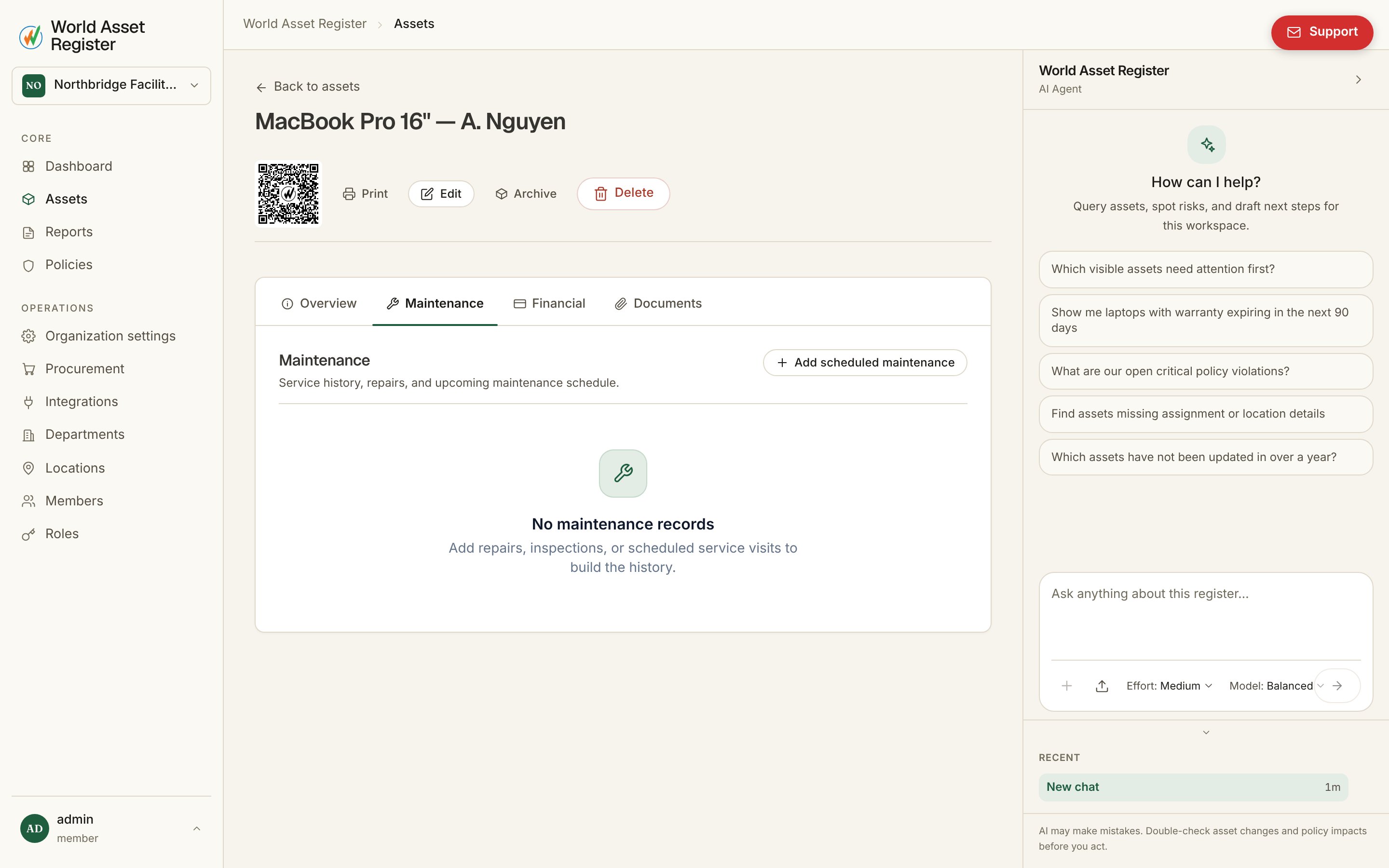
Recording maintenance
Add a record with a date, cost (with its own currency), notes and attachments. You can also assign it to specific people and optionally lock the task to only those people, so it can’t be picked up or completed by anyone else. A checklist lets you break the work into steps that get ticked off as they’re done.Recurring maintenance
A maintenance record can repeat on a schedule: hourly, daily, weekly, monthly, quarterly or yearly, or on a custom cron expression (five fields: minute, hour, day of month, month, day of week). Set it once (say, quarterly generator servicing) and the record rolls itself forward to its next due date once the current one has passed, instead of someone having to remember to add it. Rolling forward moves the same record: it does not create a new one. The record goes back to Open, its checklist is cleared for the new cycle, and the change is noted in the record’s history. You can also roll a recurring record forward yourself at any time with Reschedule on its card. Monthly, quarterly and yearly schedules keep the same day of the month and time of day in your organisation’s time zone (set in Organisation settings), so a record due at 9am on the 1st stays at 9am on the 1st. A custom cron expression is read in the same time zone:0 9 * * 2 means 9am on Tuesdays in your
organisation’s time zone, not 9am UTC. Hourly, daily and weekly schedules
step forward from the record’s current due time. When a record is completed, its
card shows Next maintenance with the date of the next occurrence for
hourly through yearly schedules. A one-off record, or one on a custom cron
expression, shows no next date there.