Proposing a change
For a requester, there’s nothing special to learn. Edit the asset as normal, on its detail page or through bulk edit. Fields your role can write are saved immediately. Fields marked request-only for your role are submitted as change requests in the same save, and you’ll see a “pending approval” confirmation telling you which is which. The same applies to whole-asset actions. If your role can only request them, New asset becomes Request asset, and archive and delete on the detail page become Request archive and Request delete. Bulk works too. Proposing a new location for forty selected assets files forty change requests in one action. A field you leave at the value the asset already holds is not a change, so no request is filed for it. If you resubmit a form that still carries an earlier proposal, that earlier proposal stays pending.Reviewing requests
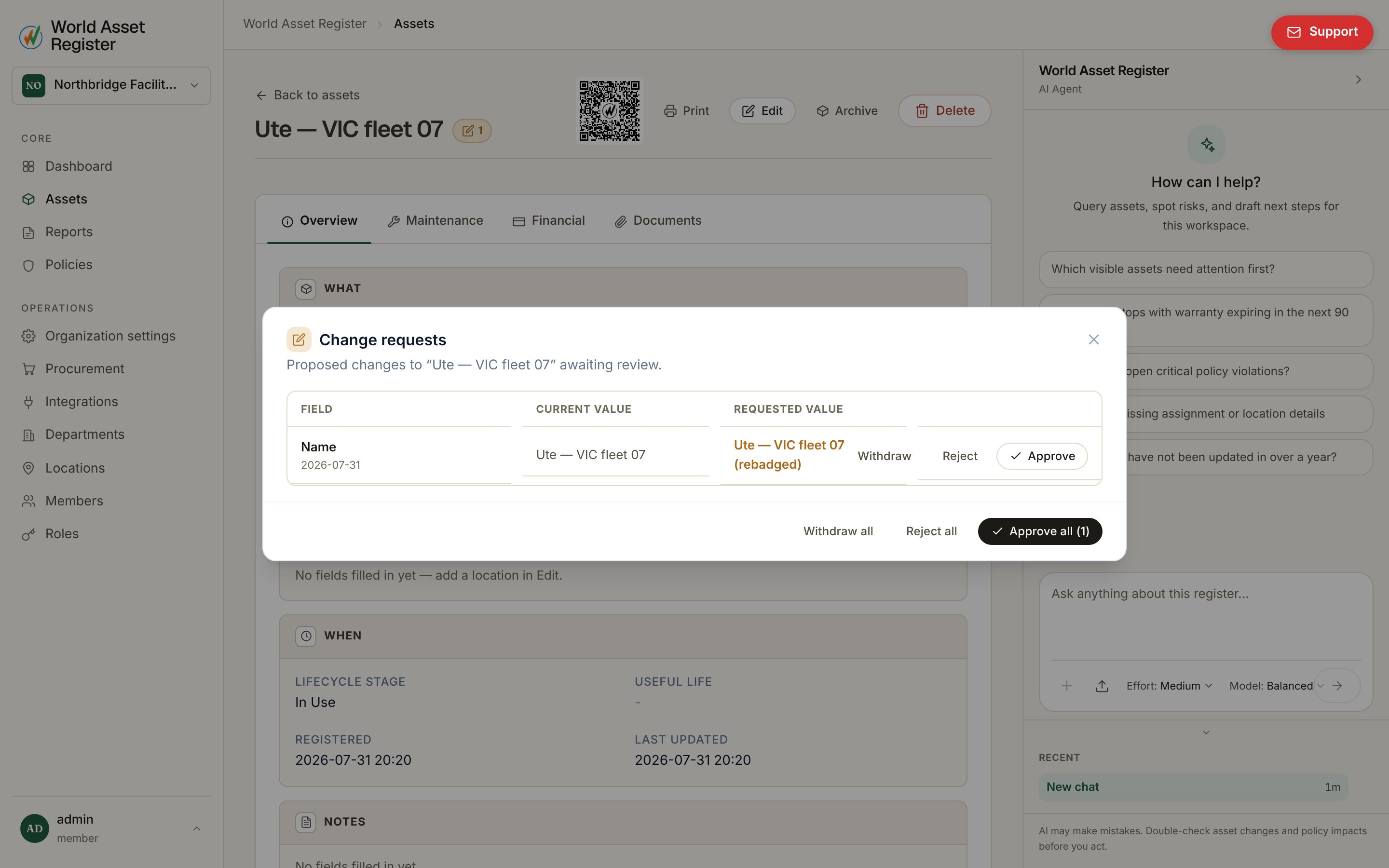
Assets with pending requests carry an orange flag, on their register row and on their detail page. Click it to review: